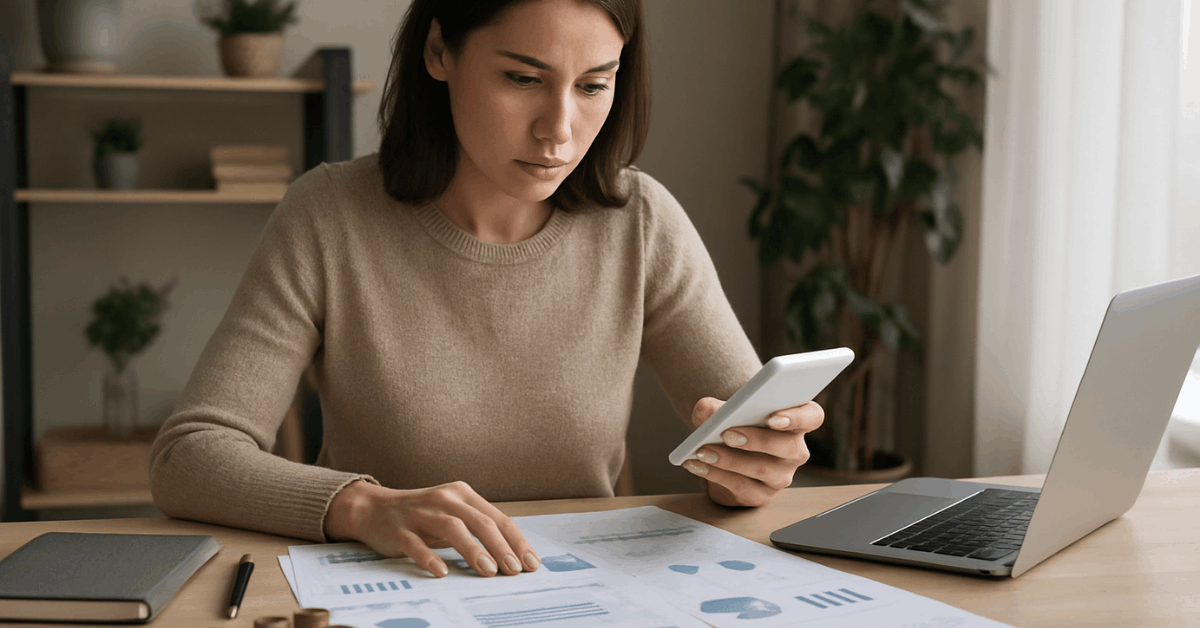
Smartphones sit on nightstands worldwide, and Apps to Monitor Your Sleep Quality now turn those devices into practical feedback tools. Roughly 91% of U.S. adults own a smartphone, making app access nearly universal for sleep self-tracking and bedtime routines.
Insufficient sleep still affects about one in three adults, reinforcing the value of tools that nudge healthier habits.
These apps don’t diagnose conditions, yet they can illuminate patterns and encourage consistent sleep hygiene when used thoughtfully.
How Sleep Apps Work
Phone microphones and accelerometers estimate movement, snoring, and awakenings to outline basic sleep patterns and trends.
Some pair with wearables or headbands to add heart rate, breathing, or brain-activity proxies, while contactless “sonar” readings estimate respiration at the bedside. Accuracy varies by method and setup, and gold-standard diagnosis still relies on overnight polysomnography in a clinical setting.
Expect the strongest value in habit formation: regular bedtimes, wind-down routines, and earlier caffeine cutoffs prompted by simple app nudges.
Best Mobile Apps to Monitor Sleep Quality
Set expectations first: the picks below emphasize clear strengths such as tracking depth, smart alarm features, or coaching.
Each option lists notable highlights and typical pricing language; storefront offers change frequently, so confirm current terms in the app stores.
Calm — Best Overall
Bedtime stories, soundscapes, and guided breathing create a reliable wind-down that eases racing thoughts.
A large library spans adult and child content, and premium tiers unlock fresh weekly programs. Calm doesn’t provide sleep stage tracking; pair it with a tracker if metrics matter.
Sleep Reset — Best Personalization
A structured program begins with a sleep assessment and maps guidance to personal goals.
Content draws on sleep science and hygiene education, adding coach access and lessons that reinforce behavior change. Tracking helps connect pre-bed rituals and bedroom environment to actual outcomes.
Chorus Sleep — Easiest to Use
Programs are built on CBT-I sleep program principles, the first-line, evidence-based treatment for chronic insomnia in adults.
Audio sessions, white noise, and relaxation drills are paired with an optional coach. Wearable syncing supports trend reviews without mic-based recording.
Headspace — Best to Quiet a Racing Mind
Guided meditations, short SOS sessions, and movement breaks reduce stress loads that impair sleep quality.
A sizable library supports a consistent pre-sleep ritual; tracking isn’t included, so combine it with an Android sleep tracker or watch when data is needed.
Muse S Athena (Headband + App) — Best for Meditation-Plus-Metrics
A soft EEG headband estimates time in light, deep, and REM periods while the app guides pre-bed meditation for meditation for better sleep.
Minute-level brain-activity feedback, heart rate, and motion trends appeal to data-driven sleepers; device cost is higher than app-only tools.
RISE — Best Sleep Reports
Daily coaching centers on sleep debt and circadian timing, translating bedtime and wake time into actionable suggestions across the day.
Reminders cover caffeine cutoffs, wind-down windows, and ideal rise times. Insufficient sleep’s links with cardiometabolic risks underscore its focus.
Stellar Sleep — Best for Insomnia Support
A curriculum guided by insomnia psychology addresses unhelpful thoughts and behaviors around sleep.
Structured modules and check-ins promote adherence, complementing clinical best practices that place CBT-I ahead of medications for persistent insomnia.
Stella Sleep — Best for Kids
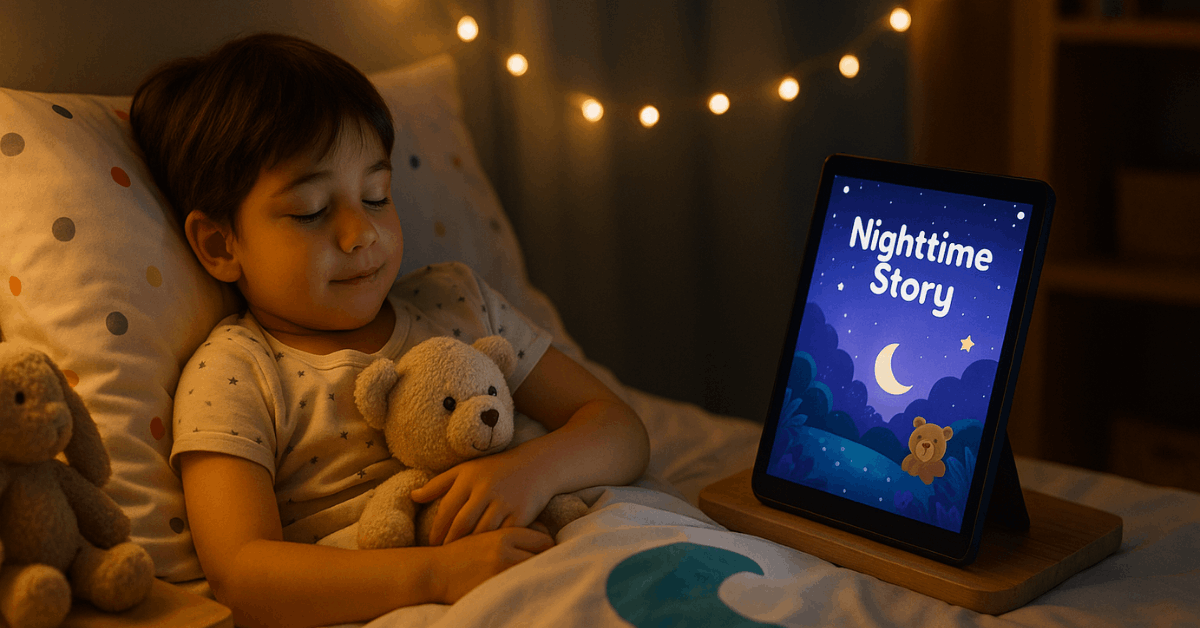
Narrated stories, lullabies, and calming exercises are produced in a kid-forward format, helping families establish predictable bedtime routines. Character continuity keeps engagement high while parents curate a gentle, ad-free listening library.
Also Worth Considering
Short summaries highlight strong alternatives drawn from long-standing app ecosystems.
- Sleep Cycle: Microphone-based tracking, detailed graphs, and a smart alarm that aims for lighter sleep stages. Great for data enthusiasts who tolerate richer dashboards.
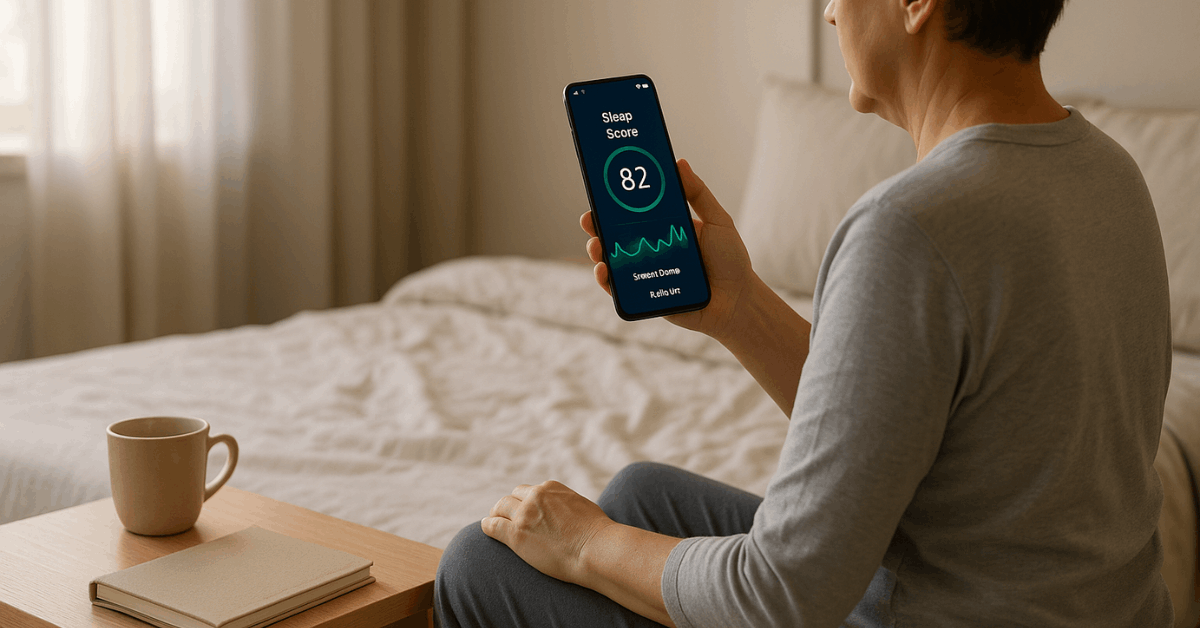
- SleepScore: Contactless “sonar” sensing from the nightstand plus a daily score and coaching tips; proximity and room layout influence accuracy.
- Pillow (iOS): Deep integration for Apple Watch and iPhone, including heart rate trends and audio event recording; ideal as a sleep app for iPhone users.
- SleepWatch (iOS): Apple Watch-centric tracking and AI-generated guidance; premium unlocks smart alarms and advanced scoring.
- Eight Sleep: App-controlled smart mattress covers add dual-zone temperature control and robust nightly analytics for premium setups.
How to Choose the Right Sleep App
Pick features that match goals, budget, and devices. Two or three capabilities usually cover most needs without clutter.
- Tracking depth: Basic movement and snore logs suit habit change; advanced metrics add heart rate, breathing, or EEG-derived estimates. Data granularity should match patience for reviewing charts.
- Alarms and wake aids: Smart windows, gentle tones, or sunrise lights can reduce grogginess if mornings feel heavy; verify smart alarm features on your phone-watch setup.
- Content for winding down: Soundscapes, stories, and guided breathing support consistent routines; look for offline downloads to avoid late-night scrolling.
- Coaching and CBT-I: Insomnia-focused coaching aligns with guideline-backed care when clinic access is limited; digital CBT-I can bridge to therapist-delivered treatment.
- Privacy and portability: Review data policies, export options, and integrations so switching apps or sharing summaries with clinicians stays straightforward.
Evidence and Limits: What the Science Says
Consumer sleep technology shows improving agreement with lab measures for basic metrics in healthy sleepers, particularly with mattress-based sensors; accuracy still varies by device class and user characteristics.
Position statements from the American Academy of Sleep Medicine emphasize that consumer tools cannot replace medical evaluation for diagnosing sleep disorders, though they may facilitate productive patient-clinician discussions.
Persistent insomnia warrants CBT-I sleep program approaches as first-line treatment, with pharmacologic options considered when indicated.Public health data continue to track sizable state-level short sleep prevalence, reinforcing the value of pragmatic nudges and routine building.
FAQs
Short answers clarify common concerns and help set realistic expectations before installing multiple tools.
- Are sleep apps reliable?
Reliability depends on sensing method, device placement, and sleep context. Motion and audio alone estimate stages indirectly, while wearables or headbands add physiological signals that improve trends but still miss clinical nuance. Consider trends over weeks, not single-night absolutes, and seek medical evaluation for suspected disorders such as sleep apnea. - Which devices are compatible?
Most major titles support iOS and Android phones, and many pair with Apple Watch, Wear OS watches, or brand-specific headbands. Platform-exclusive apps such as Pillow and SleepWatch favor Apple ecosystems, while multi-platform trackers maintain broad support across phones and wearables. - How much do sleep apps cost?
Downloads are often free, then unlocked through monthly or annual plans, commonly in the $5–$15 monthly range or discounted annually. Free trials of seven to fourteen days remain standard, allowing quick fit checks before committing. Offers vary and should be verified in the app stores. - Are these suitable for children?
Kid-oriented options such as kids sleep app libraries emphasize stories, music, and simple breathing exercises. Age guidance varies by publisher; parents should review content and permissions, then maintain routines that pair consistent bedtimes with a calm environment.
Conclusion
Worry less about exact stage labels and more about stable schedules, caffeine timing, and light exposure.
Combine calming content for wind-down with minimal, consistent tracking for trend awareness.
Escalate to clinical care when insomnia, loud snoring, witnessed apneas, or excessive daytime sleepiness persist.