
Time management is one of the most valuable skills you can develop today.
With the help of planner apps, you can organize your schedule, set priorities, and track goals efficiently.
This article will show you how these tools simplify planning and help you take full control of your daily routine.
Why Good Time Management Matters
Good time management improves both your productivity and peace of mind. By controlling your schedule, you take charge of your day instead of reacting to it.
Here’s why this skill matters in every area of life.
- Improves focus and efficiency. You complete more tasks with less effort because every minute has a purpose.
- Reduces stress levels. A clear schedule prevents last-minute rushes and mental overload.
- Enhances work-life balance. You can dedicate time to both goals and relaxation without feeling guilty.
- Boosts accountability. Tracking your time helps you identify what truly matters and stay committed.
- Supports long-term growth. Organized routines make it easier to set and achieve consistent progress.
How Planner Apps Simplify Organization
Planner apps make staying organized simpler and faster. They combine calendars, reminders, and task lists into one place so you can focus on what truly matters.
Here’s how these tools help you manage your time and responsibilities more efficiently.
- Centralized scheduling. Keep all your appointments, tasks, and deadlines in one synced calendar.
- Smart notifications. Get timely reminders for meetings, tasks, and recurring events.
- Task prioritization. Color-code or categorize items to identify what needs attention first.
- Cross-device syncing. Access your planner from your phone, tablet, or computer anywhere you go.
- Progress tracking. Monitor your completed tasks to measure consistency and improvement.
- Goal integration. Link short-term and long-term goals to maintain direction and motivation.
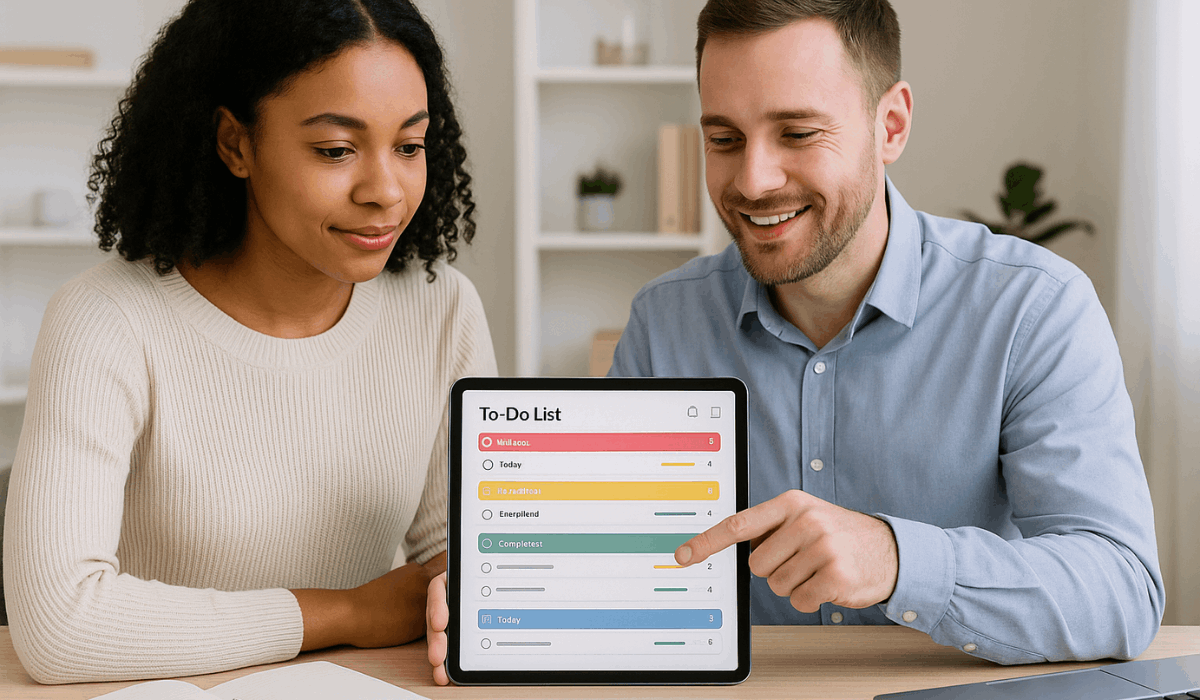
Best Planner Apps to Boost Productivity
You need tools that help you stay on schedule, track tasks, and finish your goals.
Planner apps make this easier by giving you a central place to plan and review your work. Below are some of the best apps to consider.
- Todoist — Strong task-management tool, works across platforms, and helps you prioritize.
- TickTick — Combines task lists, calendar, and habit tracking; user-friendly and versatile.
- Any.do — Minimalist design, suitable for everyday tasks and reminders.
- Structured — Focuses on visual timeline planning; great if you prefer to see your day at a glance.
- Notion — Highly customizable: notes + tasks + planning in one platform. Ideal for complex workflows.
- Google Calendar — Ubiquitous scheduling tool, integrates with email & events; simple yet effective.
Tips to Use Planner Apps Effectively
Getting organized depends on how you plan and follow through each day. You need steady habits, realistic goals, and a clear structure that fits your routine.
Here are simple tips to make your digital planning system work more efficiently for you.
- Set clear priorities. Start each morning by identifying your top three goals for the day.
- Do weekly reviews. Evaluate your progress every weekend and reset upcoming tasks.
- Control notifications. Keep only essential alerts to avoid unnecessary distractions.
- Stay consistent. Update your schedule daily so it stays accurate and reliable.
- Keep it minimal. Use one organized system instead of juggling multiple apps.
- Sync across all devices. Make sure updates appear instantly wherever you work.
- Track achievements. Mark completed tasks to see your growth and maintain motivation.
Security and Privacy in Planner Apps
Your data is as important as your schedule. Digital tools often store sensitive details like tasks and notes.
Here’s how to keep that information private and secure while you stay productive.
- Check encryption standards. Choose platforms that use end-to-end encryption to secure stored and synced data.
- Review privacy policies. Make sure the app doesn’t share or sell user information to third parties.
- Use strong passwords. Create unique passwords and change them periodically to prevent unauthorized access.
- Enable two-factor authentication. Add an extra layer of protection to your account.
- Limit shared access. Only share calendars or task lists with people who truly need them.
- Avoid public Wi-Fi. When accessing your planner from new devices, use secure connections to prevent data theft.
- Update regularly. Install app and system updates to patch security vulnerabilities quickly.

Integrating Planner Apps with Other Productivity Tools
Combining your scheduling system with other tools makes your routine smoother and more efficient.
It helps reduce app switching, connects your data, and automates repetitive actions. Here’s how to integrate your planner with the tools you already use daily.
- Email services. Turn messages into actionable tasks directly from Gmail or Outlook.
- Cloud storage platforms. Attach files or notes from Google Drive, Dropbox, or OneDrive for easy access.
- Communication apps. Sync with Slack or Microsoft Teams so deadlines appear in team discussions.
- Project management tools. Link with Asana, Trello, or ClickUp to align individual goals with team projects.
- Voice assistants. Use Siri, Alexa, or Google Assistant to create reminders hands-free.
- Calendar integrations. Connect with Google Calendar or Outlook to avoid double-booking events.
- Note-taking software. Pair with Evernote or Notion to keep related notes and tasks together.
Common Time Management Mistakes to Avoid
Even with the best tools and intentions, poor habits can still waste your time. Many people make small mistakes that quietly disrupt their focus and efficiency.
Here are common time management errors you should avoid to stay organized and productive.
- Overplanning every detail. Spending too much time organizing instead of taking action is a problem.
- Ignoring priorities. Treating all tasks as equal and losing focus on what truly matters.
- Skipping breaks. Working nonstop leads to fatigue and lower productivity.
- Multitasking excessively. Splitting attention between tasks reduces overall quality and speed.
- Not reviewing progress. Failing to evaluate results prevents you from improving your schedule.
- Using too many tools. Managing several apps creates confusion instead of clarity.
- Avoiding delegation. Trying to do everything yourself wastes valuable time on low-impact work.
Benefits of Digital Planning Over Traditional Methods
Digital planning offers speed, flexibility, and access that paper methods can’t match.
It helps you stay organized across devices and makes tracking progress easier. Here are the main benefits of using modern tools instead of traditional planners.
- Real-time updates. Instantly edit or reschedule tasks without rewriting your plans.
- Cross-device access. Check your schedule from your phone, tablet, or computer anytime.
- Automated reminders. Get alerts for meetings, deadlines, and recurring routines.
- Data backup and recovery. Cloud syncing prevents losing your plans if a device fails.
- Collaboration features. Share tasks or calendars with teammates and family easily.
- Analytics and tracking. Review productivity trends and measure progress automatically.
- Eco-friendly option. Reduces paper waste and clutter for a cleaner workspace.
To Conclude
Managing your time well starts with using reliable planner apps and strong daily habits.
These tools make organizing your schedule simpler and help you stay consistent with your goals.
Start using one today to take control of your time and boost your productivity.