
Convenience now defines everyday finance, and using mobile banking apps sits at the center of that shift. Global adoption keeps rising; U.S. surveys show a majority of customers now prefer bank apps over any other channel for daily account management.
Smart configuration and consistent habits reduce the real-world risk from scams, malware, and account takeovers, without losing speed.
What Mobile Banking Is and Why App Security Differs from Browser Banking
Mobile banking means accessing an official bank app installed on your device, while online banking generally refers to visiting the bank website in a browser.
App distribution through trusted stores and mobile OS sandboxing give institutions more control over updates, device checks, and in-app security controls than a generic browser session.
That extra control doesn’t remove risk; it narrows attack paths and helps banks ship protective features faster.
The Three Places Attacks Happen
A handful of threats explain most mobile fraud losses. This section outlines where compromises originate so you can target defenses precisely.
1. On-Device Risks
Lost or unlocked phones let criminals reset app passwords via email and intercept one-time codes delivered to the same device.
Malware also records keystrokes or abuses accessibility permissions to harvest credentials and reroute transfers.
Independent labs register over 450,000 new malicious programs every day, underscoring how quickly mobile malware families evolve.
2. In-Transit risks
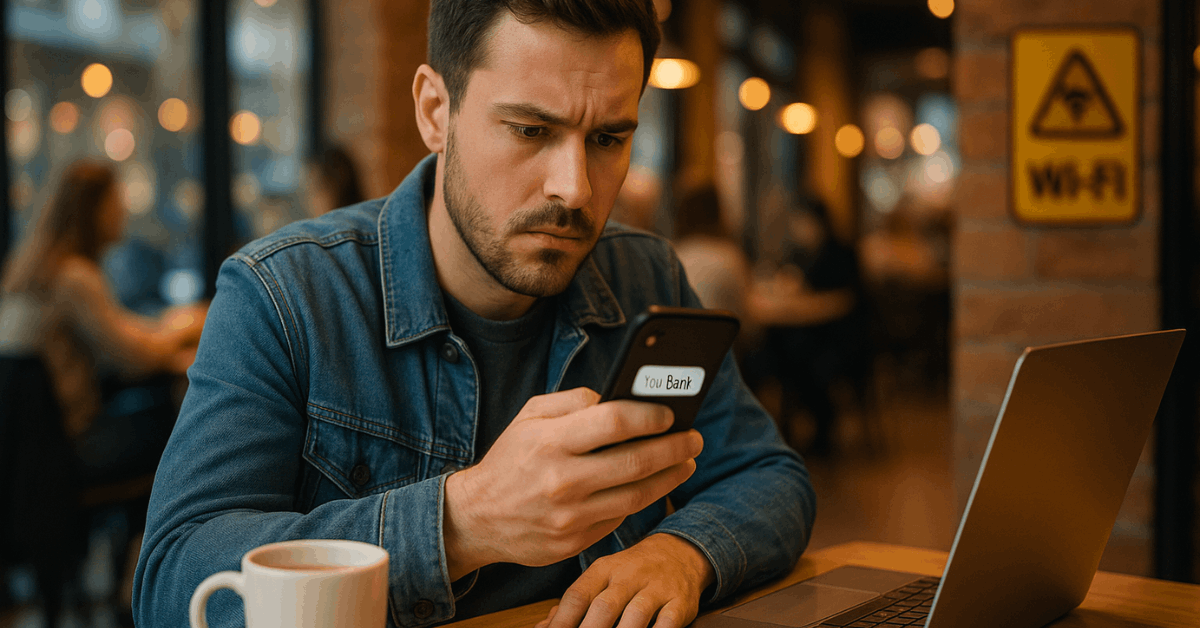
Public networks enable classic man-in-the-middle interception when connections aren’t properly encrypted, especially on rogue or misconfigured hotspots.
National cybersecurity agencies advise avoiding sensitive transactions on public Wi-Fi or using a VPN and cellular data instead.
3. Server-side and third-party risks
Financial apps and their connected services still expose weaknesses. Intertrust’s 2021 audit found 77% of finance apps had at least one serious vulnerability capable of leading to a breach.
Major institutions have also suffered headline incidents, including Capital One’s 2019 breach affecting about 100 million U.S. applicants and customers.
Fraud Tactics to Watch in 2025
Modern fraud increasingly blends social engineering and mobile malware. Expect impersonation, false urgency, and convincing interfaces.
Spoofed Texts and Calls
Attackers impersonate bank fraud teams, send convincing alerts, then walk victims through “moving funds to a safe account” via instant transfer tools. Regional newsrooms continue documenting Zelle-based losses from such call-and-text scams.
Phishing Emails and QR-Code Traps
Email lures drive victims to fake login pages or malware downloads; QR-code “quishing” now appears on parking meters, flyers, and even mailed packages that hide malicious codes.
The FBI’s IC3 has warned about tampered QR codes leading to credential theft sites.
Look-Alike or Fake Banking Apps
Criminals publish fraudulent apps that mimic real brands and capture credentials. An FBI/IC3 notice highlighted ~65,000 fake apps detected by researchers in major stores, underscoring why source verification matters.
Trojan Overlays and Transaction Hijacking
Android banking trojans such as SharkBot place fake screens over genuine apps to steal logins, read SMS, and silently redirect transfers. Labs documented SharkBot campaigns against banks and exchanges across multiple regions.
Mobile Check Deposit Fraud
Classic overpayment and fake-check schemes exploit remote deposit features; the U.S. Federal Trade Commission explains how counterfeit checks clear initially and later bounce, leaving victims on the hook.
SIM-Swap Account Takeovers
Fraudsters hijack a phone number to receive password resets and 2FA codes. The FBI reports $68 million in SIM-swap losses in 2021 (and $72.7 million in 2022), reflecting the scale of this tactic.
Data Breaches and Aggregators
Breaches at banks, fintechs, or data aggregators can expose personal identifiers later traded on darknet markets.
Capital One’s 2019 incident remains a landmark case; meanwhile, the data-aggregation firm Plaid agreed to a $58 million settlement over alleged data over-collection practices.
Protective Controls That Actually Work
A few setup choices block large classes of attacks. Follow the steps below for immediate uplift.
- Install only official apps: Use Apple’s App Store or Google Play and verify the listed developer matches your bank’s legal entity. This avoids many fake-app pitfalls reported by law enforcement.
- Stay patched: Enable automatic OS and app updates so critical fixes apply promptly. Threat actors weaponize known bugs quickly.
- Harden sign-in: Create strong, unique passwords and store them in a reputable manager; this aligns with password manager best practices and stops reuse attacks.
- Prefer app-based codes or passkeys over SMS: A two-factor authentication app is harder to intercept than text codes; for high-risk accounts, phishing-resistant options such as FIDO2 security keys or passkeys offer the strongest protection.
- Avoid risky networks: Minimize banking on public hotspots; if unavoidable, use a trusted VPN and confirm HTTPS. Agencies specifically warn about public Wi-Fi risks.
Safer Authentication Choices: What to Enable and Why
App-generated one-time codes reduce exposure compared with SMS because messages aren’t traveling through carrier channels susceptible to SIM swaps or interception. However, phishing sites can still relay those codes.
Security authorities now recommend phishing-resistant methods, FIDO2/WebAuthn security keys or modern passkeys, that cryptographically bind your login to the legitimate domain, defeating man-in-the-middle kits.
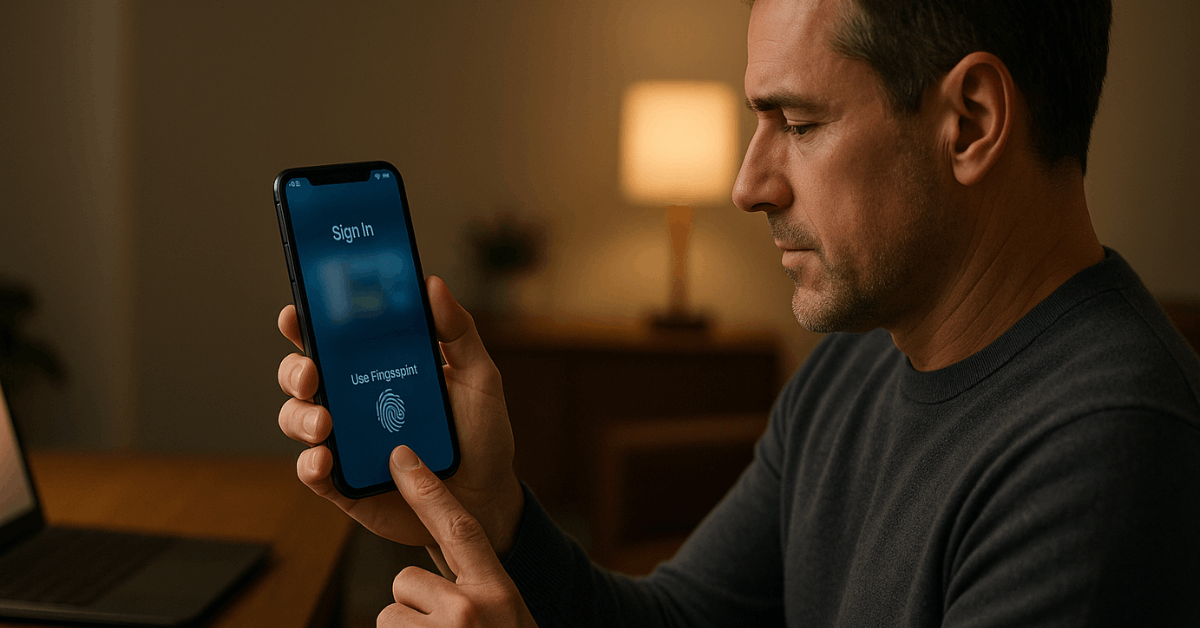
Where banks support it, enable passkeys plus biometric login safety (Face ID or fingerprint) for a fast, strong user experience.
Network Hygiene for Day-to-Day Banking
Public Wi-Fi risks include spoofed hotspots and traffic interception. National guidance favors mobile data or a personal hotspot for financial tasks, and a vetted VPN when you can’t avoid shared networks.
When on any Wi-Fi, confirm the app or site uses TLS (the lock icon/https) and disable auto-join to unknown networks.
Device Security Fundamentals That Pay Off
Lock the phone with a long passcode and biometrics, set short auto-lock timers, and disable notifications on the lock screen for email and banking apps.
Avoid rooted or jailbroken devices; alternative app stores and sideloaded packages often bypass review safeguards that block malware. Keep a remote-wipe option active through iOS or Android device-manager controls in case of loss.
What To Do If Something Feels Off
An organized response limits damage and speeds recovery. Start with containment, then move to clean-up and monitoring.
- Freeze access and talk to the bank: Use in-app controls or call the number on the back of your card; ask for temporary holds on transfers and cards.
- Scan and clean the device: Update the OS, browser, and security apps; uninstall anything unfamiliar, especially after scanning a suspicious QR code. The FBI has warned about QR-code-driven credential theft.
- Review statements and dispute quickly: Look for new payees, transfers, or mobile check deposits you didn’t initiate, and file disputes immediately.
- Add credit protections: Place free fraud alerts or a security freeze with Equifax, Experian, and TransUnion, and pull reports via AnnualCreditReport.com (weekly free reports now available).
- Enable identity theft monitoring: Continuous alerts on new credit inquiries and dark-web exposure accelerate containment after a breach.
Efficiency Tips That Don’t Sacrifice Safety
Small workflow tweaks deliver speed without trading away protection. Enable biometric login safety to shorten secure sign-ins; set high-risk alerts (new payee, transfer over X amount) for immediate push notifications.
Use the bank app’s built-in contact pathways instead of replying to texts or emails; navigation from the app’s help hub prevents detours to phishing pages.
Store credentials in a reputable manager and rotate high-value passwords at least annually to align with password manager best practices.
Conclusion
Threats concentrate around social engineering, weak authentication, and unsafe networks. Proactive steps, official apps only, timely updates, phishing-resistant MFA, and cellular or VPN use on the go, sharply reduce exposure.
Law-enforcement and regulator guidance backs these moves, and recent loss figures around SIM swaps show why they matter.