Delivering with Uber can be a flexible way to earn extra income. This guide breaks down the process, from creating your account to navigating daily deliveries.
Whether you are in a major city or a suburban area, understanding each step helps you avoid delays and maximize efficiency.
Understanding Uber Eats Delivery Jobs
Uber Eats connects people who want food delivered with couriers who can bring it quickly.
Platforms like Uber Eats operate in hundreds of cities, such as New York, Los Angeles, Chicago, Toronto, and London. The demand is consistently high in urban and densely populated suburbs.
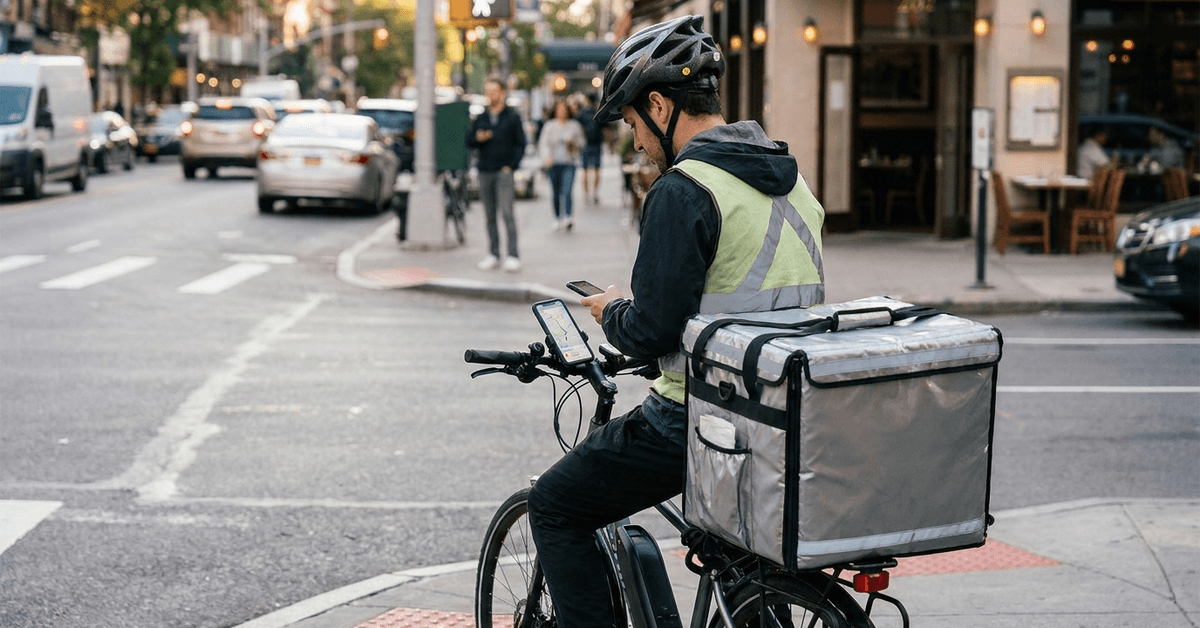
The service is open to a variety of vehicle types: bikes, scooters, and cars. Your city and local laws impact what vehicle options are available. Some cities even permit walking couriers, especially dense downtown areas where car parking can be a challenge.
Minimum Requirements for Uber Eats Couriers
Uber Eats sets specific eligibility criteria for couriers. Each region has its own list but most require a minimum age (usually 18 or 21), a valid government ID, and a clean driving or criminal record.
- Minimum age varies: often 18 for bicycles or scooters, 19-21 for cars
- Smartphone with location services enabled
- Proof of residency or work eligibility
- No serious criminal convictions or driving violations
For those using vehicles, insurance documents and vehicle registration are also necessary. In some places, additional checks, such as background clearance or vehicle inspections, might be required. It is wise to verify your city-specific requirements on the Uber Eats website before beginning.
Step-by-Step Application Process
Getting started with Uber Eats can seem intimidating at first. However, each stage is straightforward when broken down. Below is a stepwise list:
- Visit the Uber Eats courier application page at the official Uber website.
- Create an account using your email and set up a strong, memorable password.
- Enter basic info: full name, contact details, and location.
- Choose your preferred delivery method: bike, scooter, car, or as allowed in your city.
- Upload requested documents: ID, license (if driving), insurance, and a current profile photo.
- Complete the background check by submitting needed information.
- Wait for review (this may take a few days to a week depending on region).
During the waiting period, emails with status updates are sent. Sometimes, a local Uber Greenlight Hub will request an in-person document verification. Bringing originals and readable digital copies helps avoid unnecessary delays.
Practical Strategies to Improve Your Approval Chances
Preparing accurate documents and meeting eligibility requirements can help simplify the approval process. Following practical application strategies can reduce verification delays, prevent common mistakes, and improve your chances of receiving a favorable decision.
Upload High-Quality Documents
Uploading clear, well-lit images is key. Smudged photos or missing info get flagged and delay progress. Smartphone photos usually suffice if held steady and edges are visible. Try to avoid graphic editing or cropping too tightly around edges.
Check Background Requirements
A clean background check is required in all regions. Minor traffic violations typically are not restricting, but more severe convictions can result in application denial. If in doubt, reviewing Uber's published standards for eligibility is useful.
Have All Required Documents Ready
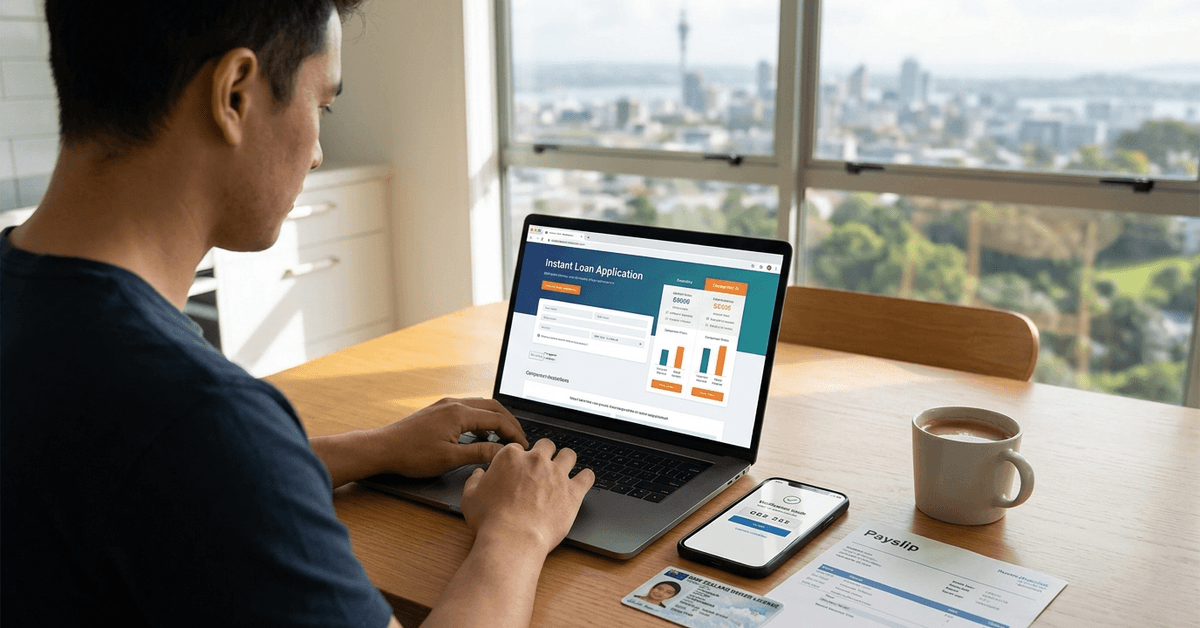
Before you apply, gather all documents: state ID or passport, proof of address, and vehicle documents if using a car or scooter. Having digital copies (PDF or JPEG format) on your phone or computer makes uploading fast and convenient.
Choosing the Right Vehicle for Your Delivery Needs
Selecting a suitable vehicle type depends on delivery distance, operating costs, local regulations, and personal preferences. Comparing vehicle options helps drivers improve efficiency, manage expenses, and enjoy a smoother delivery experience.
Vehicle Choice by City
Some cities like Amsterdam or Paris have dense layouts ideal for bicycles. Cities with long distances, like Los Angeles, make cars a better choice. The Uber Eats sign-up process provides city-specific options once you enter your address.
How Vehicle Impacts Earnings
Bicycles cost less to operate, but can have lower order volume in some areas. Cars can take larger or longer deliveries, possibly resulting in more pay. Each option has tradeoffs: operational cost, parking, and delivery speed are main factors.
Required Documents per Vehicle
- Bicycle: government-issued ID only
- Scooter: ID, valid license, proof of insurance
- Car: driver’s license, registration, insurance
When in doubt, check Uber Eats’ local guidelines.
Getting Started with the Uber Driver App
Understanding the Uber Driver app features helps delivery partners manage orders, navigate routes, and track earnings efficiently.
Learning how to use its essential tools supports smoother deliveries, better time management, and an organized work experience.
Setting Up the App
The Uber Driver app (available on iOS and Android) is crucial for accepting and managing deliveries. After approval, download the app and log in. Allow the app to access GPS and notifications, as location tracking and timely updates are essential.
Navigating Deliveries
The app displays available delivery requests. Couriers can review order details before accepting.
Upon acceptance, directions to the restaurant and customer address appear automatically, making navigation seamless. Any navigation app, such as Google Maps or Waze, pairs well with the Uber platform for route optimization.
Handling Customer Communication
The in-app messaging and calling feature lets couriers contact customers discreetly if there’s confusion about address, gate codes, or delivery hand-off. Friendly, professional communication helps maintain positive ratings and avoids misunderstandings.
Smart Strategies to Maximize Your Delivery Earnings
Increasing your delivery income involves choosing busy hours, planning efficient routes, and managing operating expenses. Applying practical earning strategies can help drivers improve productivity, reduce unnecessary costs, and maximize their take-home pay.
Choosing Peak Hours
Delivery demand spikes during lunch (11 a.m. to 2 p.m.) and dinner (5 p.m. to 9 p.m.) windows, as well as on weekends. Adjusting your schedule to these times can result in more orders and higher total payouts.
Utilizing the Heatmap Feature
The Uber app includes a “heatmap” tool that shows areas with highest current demand. Positioning yourself in or near those hot zones increases order frequency. Zones change throughout the day, so periodic checks are smart.
Taking Advantage of Incentives
Uber regularly offers incentives like Boost Zones, Quest Bonuses, or Surge Pricing. These short-term promos increase earnings on select deliveries or order volumes. The promotions are shown directly in the driver app before you go online for a shift.
Essential Safety Practices and Legal Requirements for Delivery Drivers
Understanding road safety guidelines and legal obligations helps delivery drivers protect themselves and others while working.
Following traffic regulations, maintaining appropriate insurance coverage, and meeting local requirements support safer and more responsible delivery operations.
Traffic and Local Regulations
Always obey local traffic laws. In most cities, delivery drivers are held to the same standard as all road users. Failure to comply with parking, bike lane usage, or pedestrian safety rules can lead to fines or deactivation.
Insurance and Liability
Car and scooter couriers need proper insurance coverage. Some regions require commercial or rideshare insurance, not just personal coverage.
Checking your policy for delivery use is advisable to avoid claim issues. Bike couriers typically have less stringent requirements but may find peace of mind with separate personal liability insurance.
Taxes and Earnings Reporting
Uber Eats payments are reported as self-employed or independent contractor income. Keeping accurate records of all trips and expenses is important for proper tax filing.
Apps like QuickBooks Self-Employed or Stride Tax can make tracking easier. Consulting a local tax professional is also helpful, especially your first year.
Practical Solutions to Common Delivery Challenges
Delivery drivers may encounter common challenges such as traffic delays, unpredictable demand, and technical difficulties.
Understanding these obstacles and applying effective solutions can improve efficiency, reduce stress, and support a smoother delivery experience.
Dealing with Delays
Restaurant wait times can be unpredictable, especially during rush hours.
Patience is necessary, and having a secondary task, like listening to podcasts while waiting, can make idle time productive. Communicating estimated arrival times with customers helps reduce frustration.
Navigation Issues
Using a secondary navigation app alongside Uber’s default directions can help avoid wrong turns or closed roads. Updating maps regularly ensures better accuracy. Carrying a portable phone charger prevents battery loss on longer outings.
Maintaining Delivery Ratings
High ratings require prompt, courteous service and correct order handling. Following delivery notes and being polite, even when things go wrong, makes a positive impression.
Negative ratings usually stem from late arrivals or missing items, so double-check before leaving each location.
Conclusion
Becoming an Uber Eats delivery partner starts with meeting eligibility requirements, preparing documents, and understanding the app. Planning routes, managing expenses, and adapting to local delivery demand can help improve earning potential.
Prioritizing safety, customer service, and legal responsibilities supports a smoother experience. With proper preparation and consistent effort, delivery work can offer flexible income opportunities.