
Apple Card is a U.S. credit card issued by Goldman Sachs Bank USA, Salt Lake City Branch.
The payment network is Mastercard, so you can use it wherever Mastercard is accepted.
The card lives in the Wallet app on your iPhone for payments, management, and support.
Eligibility Checklist
You must be 18 or older in most states.
You need to be a U.S. citizen or lawful resident with a valid U.S. residential address; P.O. Boxes are not accepted, but military addresses are.
You need an iPhone or iPad with the latest iOS or iPadOS, signed in with your Apple Account and two-factor authentication enabled.
Your identity must be verified during the application. If your credit file is frozen, lift the freeze with TransUnion before you apply.
Interest Rates (APR) and How Interest Works
Apple Card has a variable APR range on new accounts. The exact APR you get depends on your creditworthiness and the Prime Rate.
You see your offered APR in your Wallet before you accept the account.
Apple Card Monthly Installments (ACMI) for eligible Apple purchases are 0% APR when you choose ACMI at checkout.
Use the Wallet payment slider to preview interest before you schedule a payment. Pay your monthly balance by the due date to avoid interest.
Example guidance: schedule payments to cover at least the statement balance each month. This helps you avoid interest charges and keeps utilization in check.
Fees
Apple Card advertises no fees. There is no annual fee. There is no late fee. There is no foreign-transaction fee. There is no over-limit fee.
If you carry a balance, you will pay interest according to your APR.
If you miss a payment, you still will not be charged a late fee, but interest will continue to accrue and your account standing may be affected.
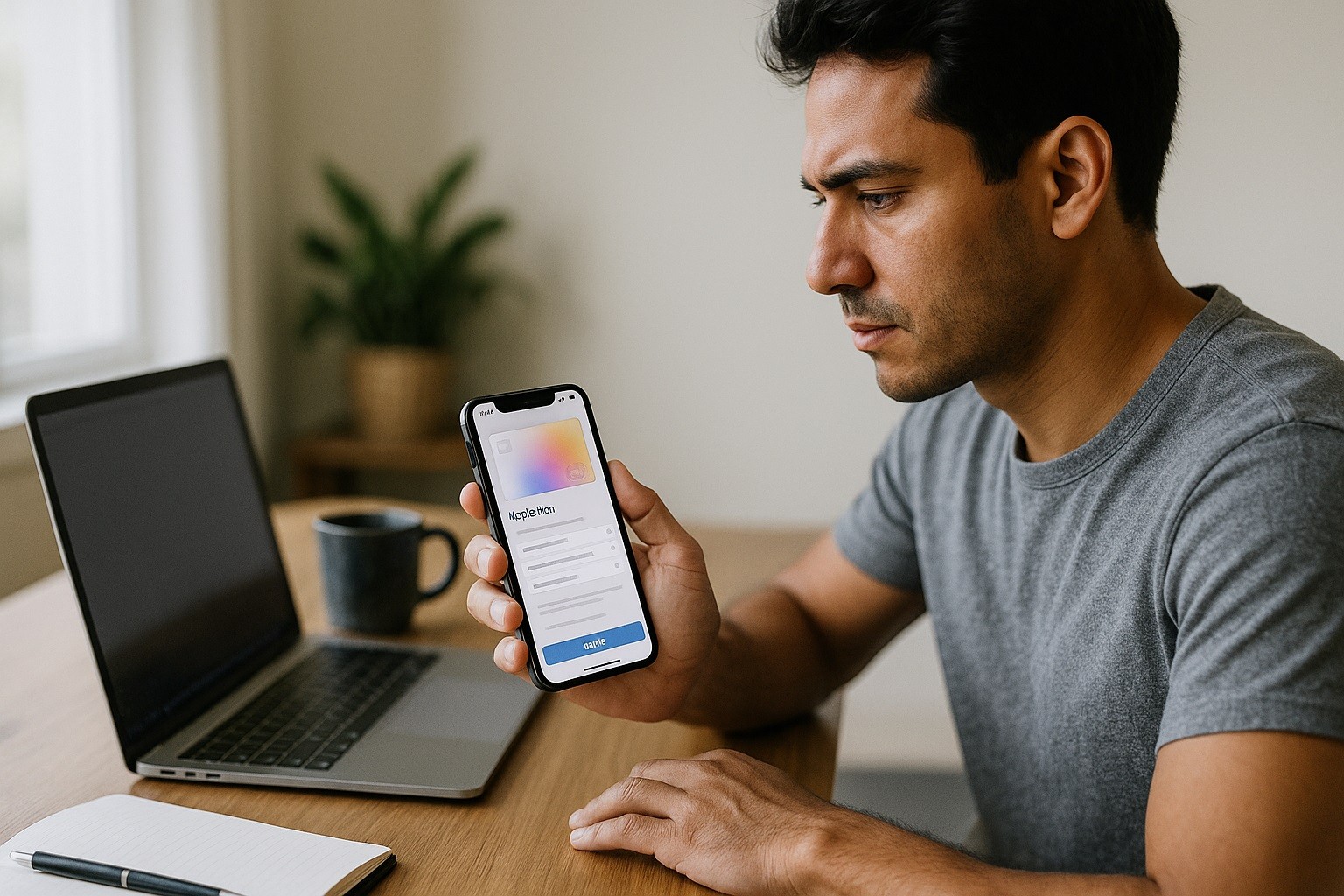
How to Apply for the Apple Card on Your iPhone
Update iOS before you start. Open Apple site or Wallet, tap the Add (+) button, and select Apple Card.
Confirm your name, date of birth, address, and the last four digits of your SSN. Review the terms and your offered credit limit and APR.
Accept the offer to open the account, or decline if the terms do not fit your needs. Checking whether you are approved does not impact your credit score.
If you are not approved, you may receive an invitation to Path to Apple Card with steps to improve your eligibility.
Start using the card
Once approved, your card appears in Wallet immediately. Add Apple Card to Apple Pay and start using it in stores, in apps, and on the web.
You can request the titanium card from Wallet if you want a physical card for places that do not accept Apple Pay.
Your virtual card number is available in Wallet for online merchants that do not support Apple Pay.
Set up your account the smart way
Add a bank account for payments in Wallet ▸ Apple Card ▸ Card Balance ▸ Payments. Turn on notifications for transactions and due-date reminders.
Set up scheduled payments to pay your monthly or statement balance automatically. Review your Daily Cash destination.
The Savings account is provided by Goldman Sachs Bank USA and is managed from the same Wallet interface.
Everyday Management in Wallet
Open Wallet and tap Apple Card to see your recent transactions. Each purchase shows the merchant name, category, and a map-based location when available.
To download a PDF statement, go to Card Balance, select a month, and choose Download PDF Statement.
You can request a credit limit increase in a few taps.
If you see a charge you do not recognize, tap the transaction and choose I need help with this transaction to start a dispute.
Rewards: Where You Earn 3%, 2%, and 1%
You earn 3% Daily Cash at Apple and select partners when you pay with Apple Pay using Apple Card.
The partner list can change; check Wallet for current merchants. You earn 2% Daily Cash on purchases made with Apple Pay at other merchants.
You earn 1% Daily Cash when you use the physical titanium card or your card number where Apple Pay is not available.
Daily Cash typically posts after the transaction settles. You can spend it with Apple Cash, apply it to your balance, or move it to Savings.
Security and Privacy
Apple Card uses Face ID or Touch ID and device-level security. Your actual card numbers are not printed on the titanium card and are not shared.
You can generate a new virtual card number if needed.
Apple and Goldman Sachs use your application data to process your account and prevent fraud.
You control notifications and can lock or unlock the titanium card from Wallet at any time.
Bank Phone and Address (issuer information)
Issuer: Goldman Sachs Bank USA, Salt Lake City Branch.
Apple Card Support (toll-free): 1-877-255-5923.
Mailing address: Goldman Sachs Bank USA, Salt Lake City Branch Lockbox 6112 P.O. Box 7247 Philadelphia, PA 19170-6112
Keep this contact information in your records. Use in-app chat from Wallet when you need secure account support.
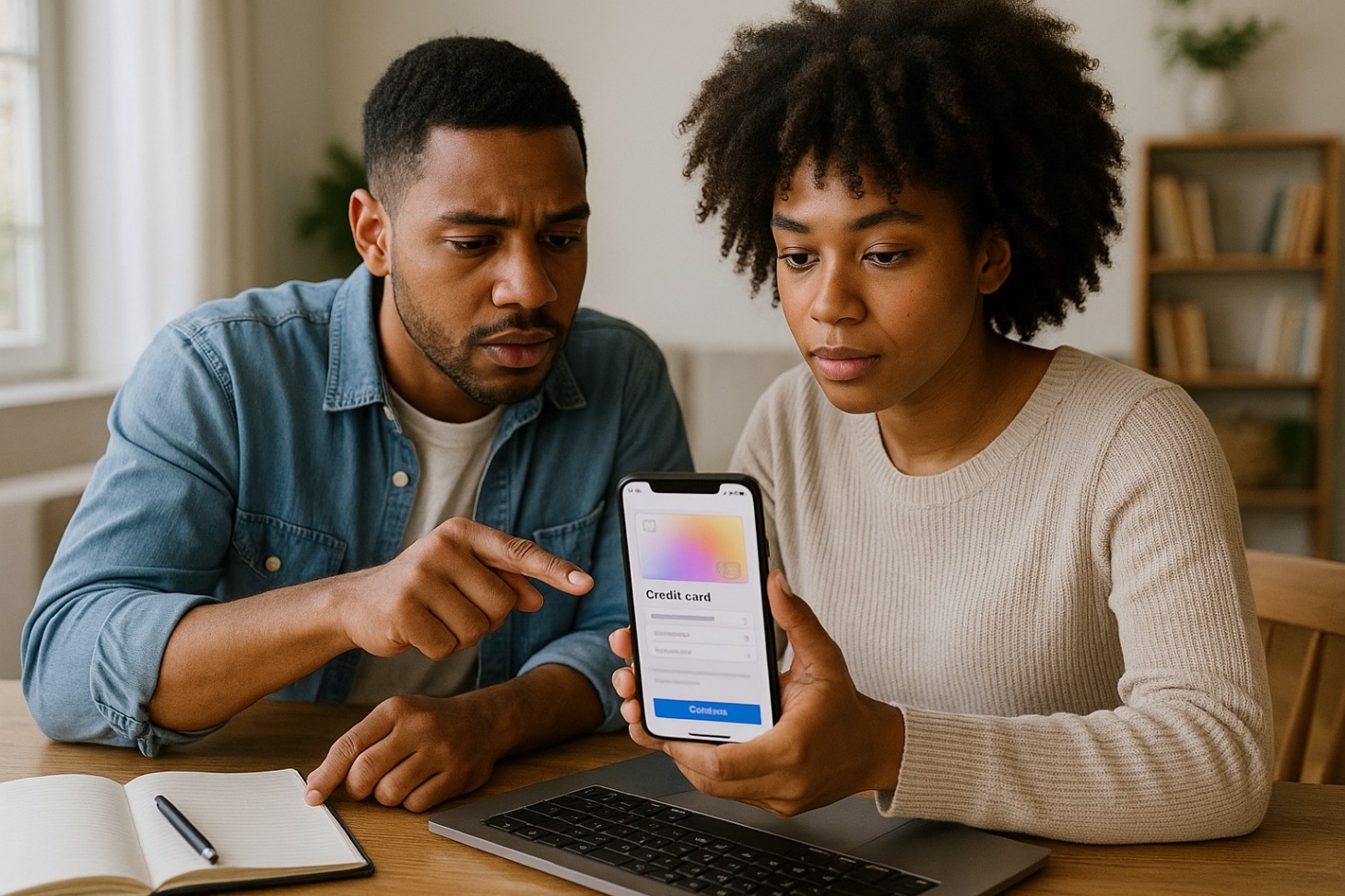
Troubleshooting Approval
Goldman Sachs reviews credit reports from TransUnion and may use other bureaus. A higher FICO Score improves your chances.
Keep your credit utilization low, make on-time payments, and avoid recent delinquencies.
If you receive a Path to Apple Card invitation, follow the steps listed, such as reducing balances or resolving negative marks.
Reapply only within the window Apple provides.
Practical Tips For Success
Use Apple Pay whenever possible to earn 2% Daily Cash instead of 1%. Turn on scheduled payments so you never miss a due date.
Watch the Wallet interest slider to see how partial payments change interest charges. Download statements each month and reconcile them with your budget.
If a merchant category or location looks wrong, report it from the transaction screen.
If you travel, carry the titanium card for places that do not accept Apple Pay.
Conclusion
You apply, manage, and pay your Apple Card from the Wallet app on your iPhone. The process is quick, transparent, and built around clear controls.
Use Apple Pay to maximize rewards and set scheduled payments to avoid interest.
Keep support contacts handy and use in-app tools to dispute charges, lock the titanium card, and download statements.
Disclaimer: This article is informational and not financial advice. Terms, APR ranges, partner merchants, eligibility rules, and contact details can change. Always review your card terms in Wallet and on Apple’s official pages before applying or making decisions. Apple Card is issued by Goldman Sachs Bank USA, Salt Lake City Branch, and is currently available only in the United States.