
Applying for food assistance can feel complicated, especially when household finances change unexpectedly. A food stamps application online can simplify the first steps toward grocery support.
This guide explains eligibility, documents, state portals, interviews, and decisions. It also covers recertification rules, common problems, and practical application tips.
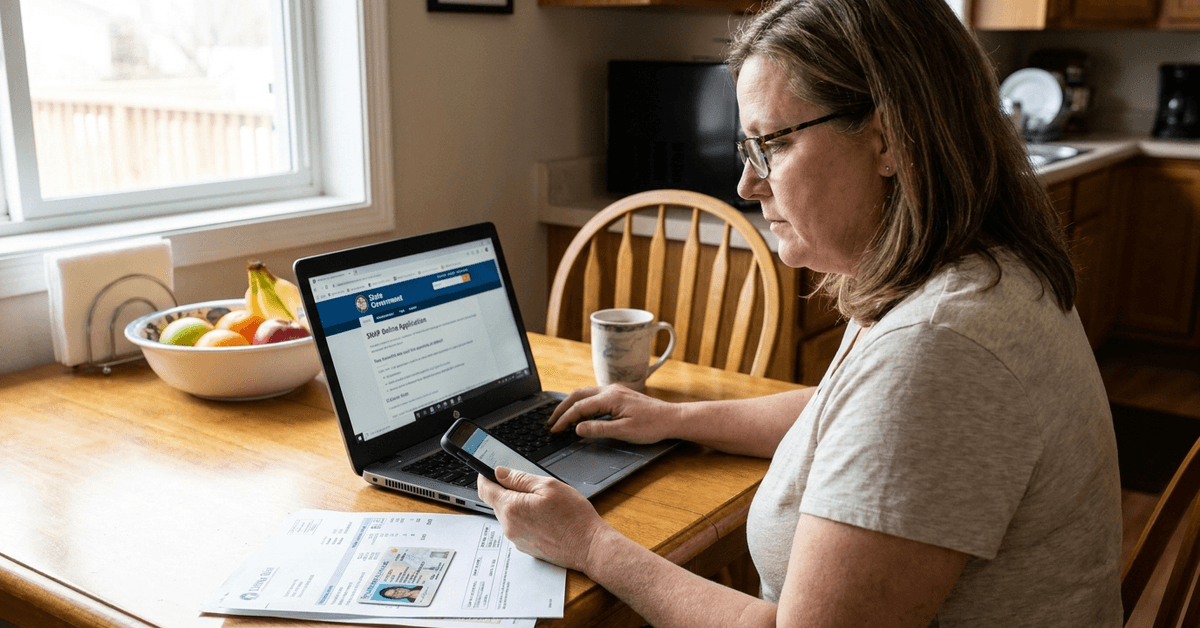
Understanding SNAP Benefits and Eligibility
The Supplemental Nutrition Assistance Program provides monthly grocery benefits to eligible households with limited resources. States administer SNAP under federal rules, and approved benefits arrive on an Electronic Benefits Transfer (EBT) card.
Who Can Qualify?
Eligibility considers household income, size, resources, and applicable deductions. Citizenship or qualifying immigration status and certain work requirements also matter. State rules and federal standards change, so check current limits before deciding you cannot qualify.
Basic Requirements
Applicants should gather key information before beginning an online form. Exact evidence varies depending on the household and state agency.

- Identity documents: A state ID, driver's license, or another accepted record.
- Income evidence: Recent payslips, unemployment statements, or benefit notices.
- Address verification: A lease, utility bill, or other accepted proof of residency.
- Household details: Social Security numbers for people applying, when required.
How Online Food Stamp Applications Work
To apply for SNAP benefits, most households use digital application options through official state benefit portals that explain eligibility, documentation, and local assistance. Applicants enter household information, submit their forms, and complete additional
verification when requested.
Where to Start Looking
Visit your state's human services website or the USDA directory to find trusted resources. California residents apply through BenefitsCal, while New York City residents use ACCESS HRA.
Verify the actual website address before submitting personal data, because misleading assistance sites can imitate official pages.
Online Application Flow
An online EBT application typically begins with a secure account or electronic form. Follow your state's instructions and save confirmation information after submission.
- Select your state portal and create an account if one is required.
- Enter household information, including residents, income, and major expenses.
- Upload clear documents when requested, using readable scans or smartphone photographs, ensuring every page is visible.
- Review answers, sign electronically where available, and submit the application.
- Save your confirmation number and check the portal for follow-up requests or reference it during calls with your caseworker.
What Happens After Submission?
A caseworker may schedule a telephone interview or an in-person appointment to confirm details. The agency can request documents that were missing or need verification.
Standard processing generally takes up to 30 days, while eligible households facing urgent need may receive expedited benefits within seven days.
Common Challenges in Online SNAP Applications
Technical issues and missing documents can interrupt online submissions. Many problems can be resolved by contacting the state agency promptly.
Documentation Hurdles
An incomplete pay statement or unclear photograph may delay document verification. Check file formats and upload limits before submitting records. If you cannot obtain a document, ask your caseworker what alternative proof the agency accepts.
Application Status Tracking
Many state websites offer case dashboards showing notices and requested actions. Check messages and mail regularly because an online status may not explain every outstanding requirement. Keep the date of submission and agency contact information accessible when following up.
Tips for a Smooth Online Food Stamp Application
A little advance preparation reduces preventable delays and protects your information. Use these habits when completing forms and responding to agency requests.
- Collect identification, income records, and expense documents before starting.
- Double-check names, dates, addresses, and household membership for accuracy.
- Use reliable internet access and save drafts whenever the portal permits.
- Record interview appointments and verification deadlines in your calendar.
- Ask about expedited SNAP if your household has very little money for food.
- Request interpretation or accessibility accommodations if you need them.
- Use official customer support rather than sharing documents through suspicious messages or unsolicited social media contacts.
- Keep copies of uploads, notices, and your final submitted application.
State-by-State Differences in SNAP Online Applications
Although federal standards provide the framework, state portals differ in layout and available services. Apply where you currently live, even if you previously received benefits elsewhere.
Examples of State Portals
These official websites offer SNAP applications or account-management services. Check the correct portal for your county or city before beginning.
- California: BenefitsCal handles CalFresh applications; GetCalFresh now provides information and support.
- Florida: MyACCESS accepts food assistance applications and manages cases.
- Texas: Your Texas Benefits provides online applications and case tracking.
- Illinois: ABE Illinois supports SNAP applications and benefit management.
- New York: myBenefits serves eligible areas outside New York City; city residents use ACCESS HRA.
Maintaining Benefits After Approval
SNAP enrollment requires periodic recertification to continue receiving assistance. Your state specifies when to renew and which household changes must be reported.
Reporting Changes
Report changes in earnings, address, or household composition according to the instructions on your approval notice. Many state portals allow electronic updates and document uploads.
Missing a reporting or renewal deadline can interrupt benefits, so keep notices and reminders organized.
Frequently Asked Questions About Applying for Food Stamps Online
These common questions address security, devices, language access, and benefit timing. For answers about your specific case, contact your state SNAP office.
Is My Data Safe When Applying Online?
Government portals use safeguards to handle personal information, but users should still protect their accounts.
Check the domain, create a strong password, and avoid public shared devices when possible. Never give login credentials to someone promising guaranteed approval.
Can I Apply With a Smartphone?
Many agencies support mobile applications or smartphone-friendly websites. You may be able to upload document photographs directly from your device. If the site does not work properly, try a computer or ask a local office for another submission method.
What if English Is Not My First Language?
States offer language assistance for eligible applicants who need help understanding forms or interviews. Some portals provide translated pages or applications, while agencies can arrange interpretation. Ask for support directly rather than paying an unverified intermediary.
When Will Benefits Begin?
If eligible, households generally receive benefits tied to their application date, subject to program rules.
Standard processing is normally completed within 30 days, with faster service for qualifying urgent cases. To get food stamps without unnecessary delays, submit promptly and complete required interviews and verification.
Conclusion
An online SNAP application can make food assistance easier to request. Start with your state portal, provide accurate information, and keep records.
Follow interview notices and recertification deadlines to maintain access. Official agency guidance can help resolve questions and avoid delays throughout the process.